

Materials & finishes
How do clear stickers work on different surfaces?
Clear vinyl is the transparent face material. We do not print white ink. White and unprinted areas on clear film remain transparent, so the surface underneath affects their appearance. An opaque white sticker base is a different material. The release liner protects the adhesive and is removed before application.
By the end: dark or light surface, colored areas, white areas, clear areas, editable source, gloss.
On this page

Clear film, white material, and the liner
Clear vinyl is the transparent face material. We do not print white ink. White and unprinted areas on clear film remain transparent, so the surface underneath affects their appearance. An opaque white sticker base is a different material. The release liner protects the adhesive and is removed before application.
On a dark surface, clear stickers can lose contrast because the mounting surface shows through unprinted areas and affects printed color. We do not add a white-ink layer. If your design needs visible white lettering or an opaque light background, choose an appropriate white-base sticker instead of clear film.
Tell us which areas should carry color and which should remain unprinted. A white shape in the artwork does not create opaque white ink on clear film. Keep the original artwork and its embedded color profile; review transparency, fine edges, small lettering and soft fades in the actual exported file. Choose an opaque white base when the finished design needs white areas.
Clear film may still be visible through its edge or reflection. It should not be described as completely invisible. In our current applicable clear-sticker offer, the finish is Gloss. The proof and product configuration must agree on the intended material and appearance.

What the layers actually do
Your release liner is the backing you remove before application. The adhesive bonds the sticker to a compatible surface. The face material supports the printed design. On a laminated sticker, a protective film remains over the print.
Those layers do different jobs. Choosing a shiny finish does not change an unsuitable adhesive into the right one. A clear base does not remove a white rectangle that is part of your uploaded artwork. Peeling the protective top layer is not the same as removing the backing.
Not every product uses every layer or the same construction. Follow the guide for your exact product, especially when the item uses transfer tape, static cling, fabric, or a specialized finish.
CMYK, RGB, and color references
A screen creates color with light. Printing creates color on a physical material. The same design can appear different because of the screen, source color profile, material, finish and viewing light. We preserve your supplied embedded profile during preparation; the RIP processes the source colors for the selected print setup.
Use our Color Help reference to communicate the color you are trying to achieve. A Pantone/PMS number can help describe a brand color, but it is not a promise of an exact spot-ink match. A printed reference sample is more useful for a critical physical comparison than a phone screenshot. An online photo of a printed chart still depends on your screen.
Tell us about a color concern before approving the job. Sending a new color request later does not automatically replace an already approved production file. For a color-critical project, discuss the available sample or review process before committing to the full run.
Specify color, white, and clear separately
A transparency grid shows where the file has no background. It does not remove the physical film: clear vinyl remains around the design and can be visible at the edge or in reflected light. We do not print white ink. On clear film, white and unprinted areas remain transparent. Confirm the actual base, artwork, and cut shape in the proof.
White ink masks are not part of our production offer because we do not print white ink. Keep the strongest original source with its embedded color profile. Use an opaque white face material when the design needs visible white areas; a white background in artwork does not create white ink on clear film.
Compare the intended surface before approval. A clear design can look different on a light jar and a dark bottle because the surface shows through unprinted areas and affects printed color. For light artwork on a dark object, consider an opaque white material and review a relevant physical sample.
Inside-window reading is a separate question. Tell us which side of the glass receives the adhesive and which side the viewer stands on. Mirroring the artwork alone does not change the adhesive side or the print-layer sequence. Do not select an ordinary clear sticker and assume that it is automatically an inside-applied, reverse-printed window graphic.
Questions customers ask
Is the white backing the same as white ink?
No. The release liner is removed before application. We do not print white ink. White face material remains in an opaque white sticker; white and unprinted areas on clear film remain transparent. A white liner can make clear film look opaque before application.
Will my uploaded white rectangle become transparent?
Not automatically. A white rectangle can be actual image content. Explain which areas should be colored, white, and clear; retain the strongest editable source so the intended separation can be reviewed.
Can I choose Matte for the current clear offer?
The applicable current clear-sticker offer uses Gloss. Choose the actual compatible options shown by the product rather than borrowing a finish from a white-material listing or an old article.
Can the film be completely invisible?
Clear film can reveal the surface beneath it, but its edges and reflections may still be visible. Evaluate the actual product and intended surface if that appearance matters. A screen preview cannot establish invisibility on every object.
Worked example: A colorful logo on a dark bottle
Identify the colored parts and the areas intended to remain unprinted. On clear film, white and unprinted areas remain transparent because we do not print white ink. For white lettering on a dark object, compare an opaque white-base sticker or a suitable white cut-vinyl decal. Review the exact artwork, construction and finished size before approval. The current clear-sticker offer uses Gloss.

White base and clear surround
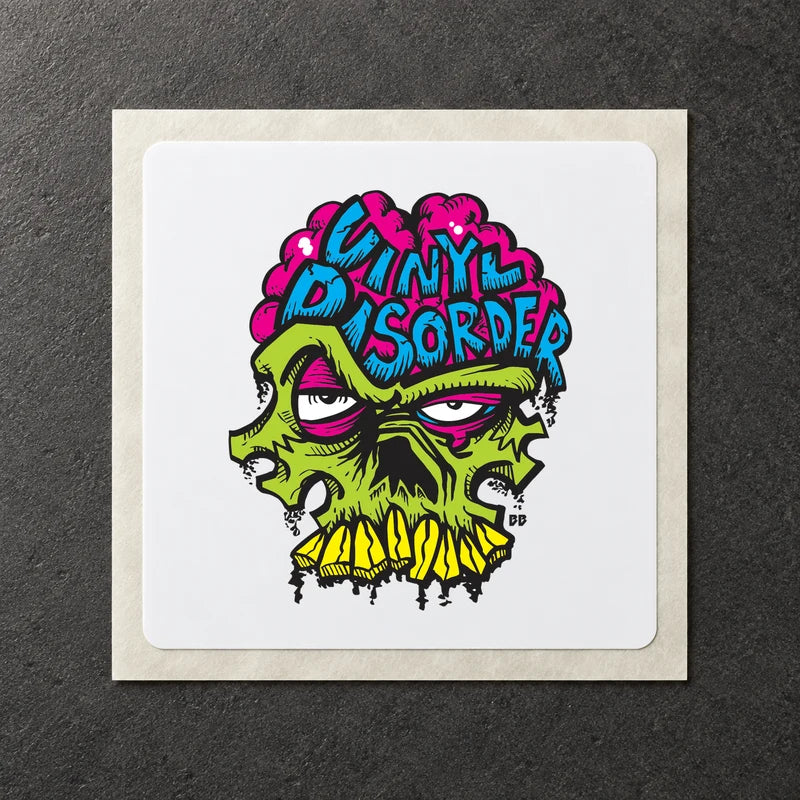
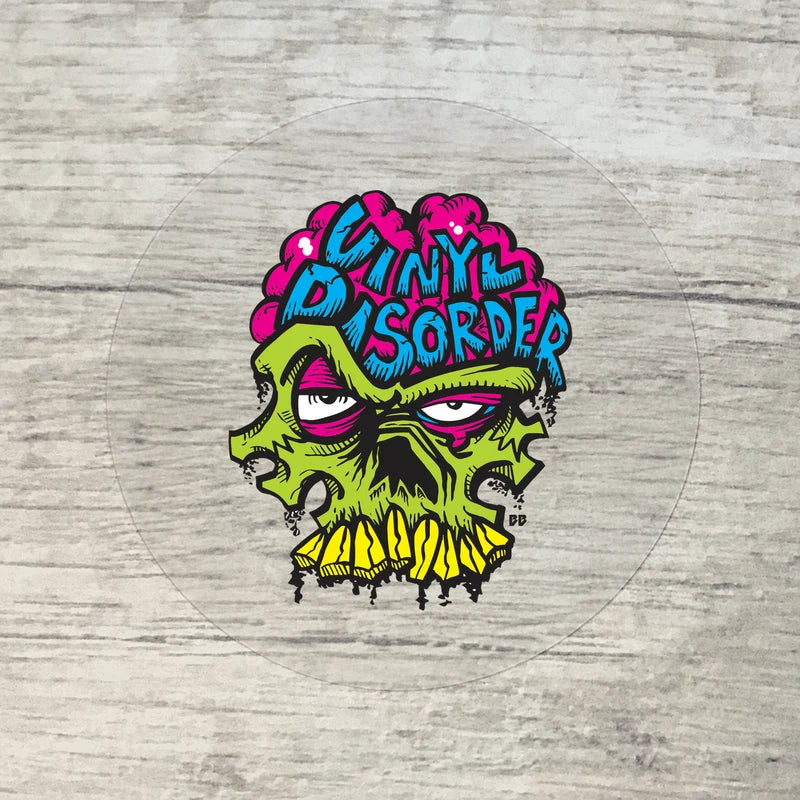
The clear surround still contains vinyl. We do not print white ink: white and unprinted areas remain transparent on clear film. The mounting surface affects color and contrast. Choose an opaque white base when your design requires white areas.
The real current proof choices

The screenshot records the actual interface. The shown labels explain distinct production-approval paths; it is not a promise that every product offers all three.
Visual checks for this lesson


Before you continue
- Dark or light surface
- colored areas
- white areas
- clear areas
- editable source
- Gloss
Keep this checklist with the exact artwork version and order configuration. If something is uncertain, resolve it before approval rather than relying on a note to change an already approved job.
Choose your next step
Compare materials · Compare finishes · Ask about your project
Transparency is part of the file

Read the diagram
- Transparent export: the editor grid shows empty pixels around the design. It is not part of the exported artwork.
- Opaque background: a white rectangle is actual file content. On clear material we do not add white ink to make it opaque.
- Saved checkerboard: squares saved into the artwork are image pixels and can print. Remove the background in the original file rather than photographing an editor grid.
- Choose an opaque white base when the finished design needs white areas. Clear vinyl remains a physical film even where nothing prints.